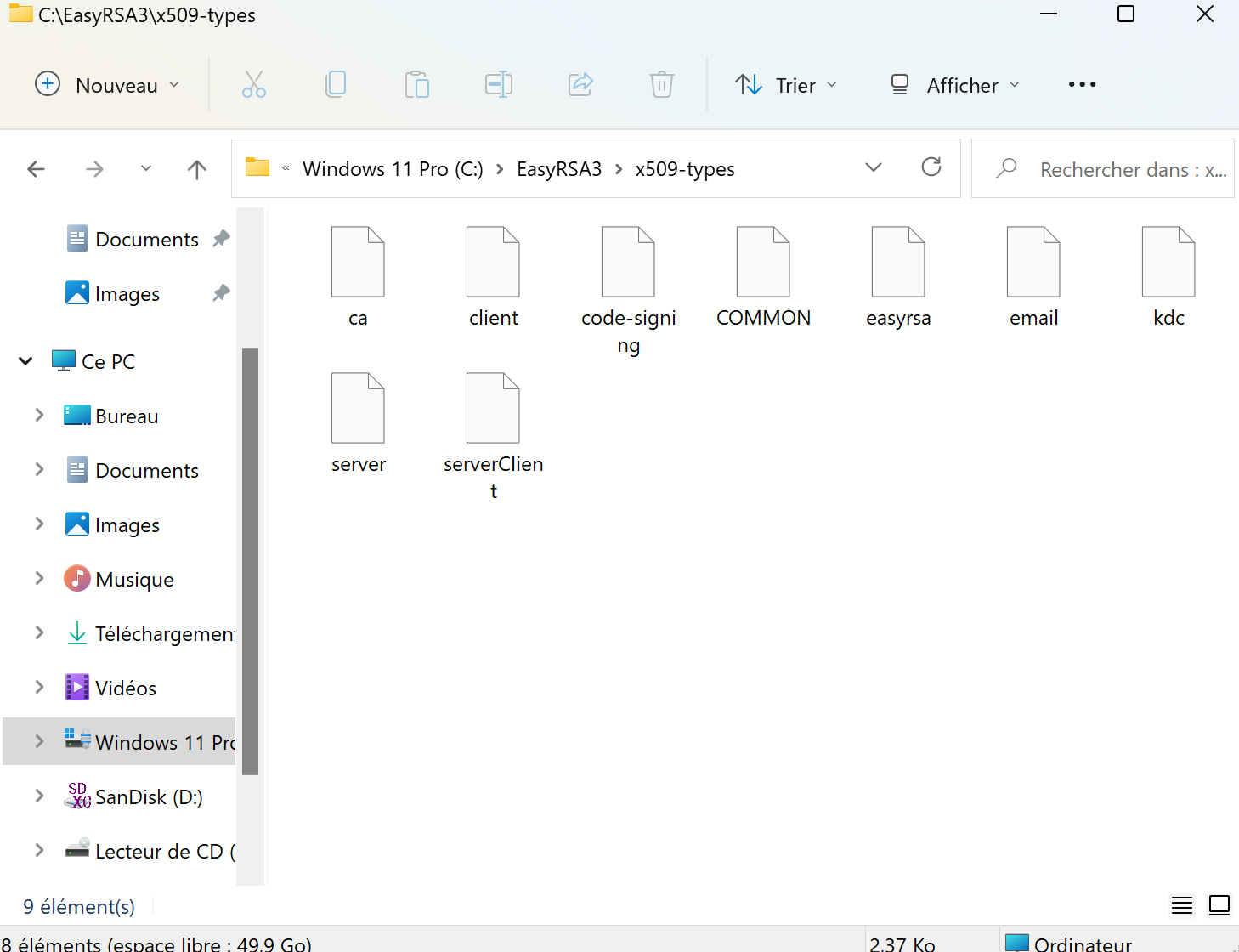
Hello,
I'm having a trouble getting EasyRSA 3.0.8 working on Windows 11 dev channel (Windows Insider) with the command '
./easyrsa build-ca nopass'. This is OpenVPN-2.5.4-I604-amd64.msi from
https://openvpn.net/community-downloads/
I follow this 'how to' (tuto) :
https://shebangthedolphins.net/vpn_openvpn_windows_server.html
C:\Program Files\OpenVPN\easy-rsa>EasyRSA-Start.bat
Welcome to the EasyRSA 3 Shell for Windows.
Easy-RSA 3 is available under a GNU GPLv2 license.
Invoke './easyrsa' to call the program. Without commands, help is displayed.
EasyRSA Shell
EasyRSA Shell
# ./easyrsa build-ca nopass
Using SSL: openssl OpenSSL 1.1.1l 24 Aug 2021
Easy-RSA error:
The OpenSSL config file cannot be found.
Expected location: C:/Program Files/OpenVPN/easy-rsa/pki/openssl-easyrsa.cnf
EasyRSA Shell
EasyRSA Shell
# cp -iv openssl-easyrsa.cnf "C:/Program Files/OpenVPN/easy-rsa/pki/openssl-easyrsa.cnf"
openssl-easyrsa.cnf -> C:/Program Files/OpenVPN/easy-rsa/pki/openssl-easyrsa.cnf
EasyRSA Shell
# ./easyrsa build-ca nopass
Using SSL: openssl OpenSSL 1.1.1l 24 Aug 2021
path = C:/Program Files/OpenVPN/easy-rsa/pki/easy-rsa-15456.a07364/tmp.XXXXXX
lpPathBuffer = C:\Users\BERTRA~1\AppData\Local\Temp\
szTempName = C:\Users\BERTRA~1\AppData\Local\Temp\tmp8C67.tmp
path = C:\Users\BERTRA~1\AppData\Local\Temp\tmp8C67.tmp
fd = 3
path = C:/Program Files/OpenVPN/easy-rsa/pki/easy-rsa-15456.a07364/tmp.XXXXXX
lpPathBuffer = C:\Users\BERTRA~1\AppData\Local\Temp\
szTempName = C:\Users\BERTRA~1\AppData\Local\Temp\tmp8D32.tmp
path = C:\Users\BERTRA~1\AppData\Local\Temp\tmp8D32.tmp
fd = 3
Generating RSA private key, 2048 bit long modulus (2 primes)
.................................+++++
...................................+++++
e is 65537 (0x010001)
path = C:/Program Files/OpenVPN/easy-rsa/pki/easy-rsa-15456.a07364/tmp.XXXXXX
lpPathBuffer = C:\Users\BERTRA~1\AppData\Local\Temp\
szTempName = C:\Users\BERTRA~1\AppData\Local\Temp\tmp8EF7.tmp
path = C:\Users\BERTRA~1\AppData\Local\Temp\tmp8EF7.tmp
fd = 3
You are about to be asked to enter information that will be incorporated
into your certificate request.
What you are about to enter is what is called a Distinguished Name or a DN.
There are quite a few fields but you can leave some blank
For some fields there will be a default value,
If you enter '.', the field will be left blank.
-----
Common Name (eg: your user, host, or server name) [Easy-RSA CA]:DESKTOP-P2SN4KI
CA creation complete and you may now import and sign cert requests.
Your new CA certificate file for publishing is at:
C:/Program Files/OpenVPN/easy-rsa/pki/ca.crt
#
Thanks in advance.
Valorisa