Hi Mindustries,
I had the similar need and I am trying to solve it by creating a script that changes the openvpn config file to the server I need to connect to.
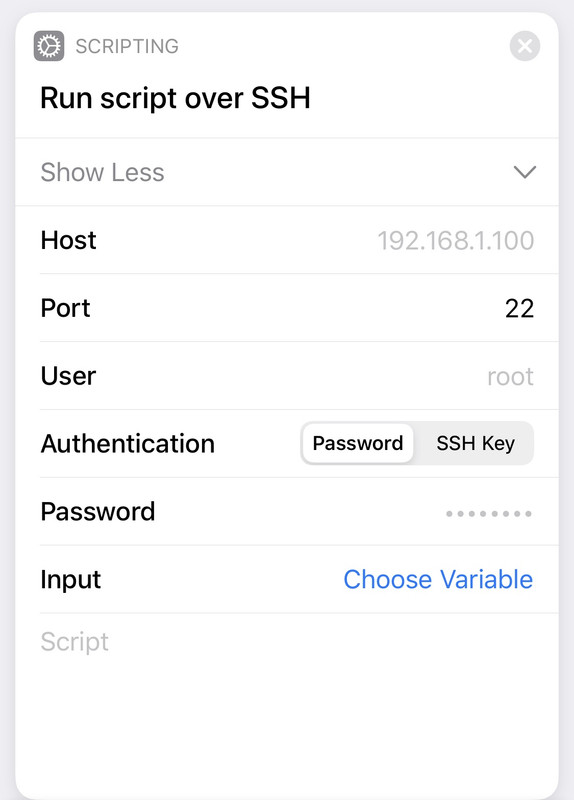
If you also trying to run the script from a windows machine and dont want to login ssh all the time, you need to make a .bat file that has code to do the ssh for you and call the script.
I give you a few examples and my issue... who knows.. maybe you solve that and we mutually help each others...
So...
preface: - I use systemd -
- First of all, you have to have the .conf files you need at the /etc/openvpn folder.
in my case I use PIA commercial VPN provider and I chose a few servers I need.
- I created a script to change the /etc/default/openvpn file.
This script
Server_change look like this:
======
#!/bin/bash
# sript to checngeb the PiVPN exit country
# this is to change exit coutry to:
# netherlands
iNetherlands"
# here I look for the AUTOSTART variable and add the value to it in the openvpn file (that obviously I previously uncommented).
sudo sed -i "/^AUTOSTART/c\AUTOSTART=\"$i\"" /etc/default/openvpn
# now need to restart the systemctl and the openvpn service with its config file
sudo systemctl daemon-reload
sudo systemctl restart openvpn@Netherlands.service
=======
I did this by doing: sudo nano <file_name>
Dont forget to change mod and have it executable (chmod)
now, I do ssh to my pi and and send a .sh file to it
if you are in windows, you can create a .bat file that loooks like that (this is only a hint):
@echo off
:: thi file will run a .sh file to change the openvpn server in the PiVPN
ECHO =======================
ECHO PiVPN server change
putty -ssh <user>@192.168.x.x -pw "your_super_safe_password" -m "<local path to your script to send to the pi>"
At this point, you have to have a local script called (example):
Server_change.sh somewhere in your local machine.
Point your .bat file to it and have putty installed.
Thats should do the trick.
MIND that all this I mention I do it for gathering the Pi temperature (obviously with a different script).
But the script I mention above, is a actual script that I run after SSH in to the pi.
Now I tell you my issue:
As I have several server.conf in the /etc/openvpn folder, clearly I have to define the one I want to use in the
/etc/default/openvpn file by the mean of changing the
AUTOSTART= value.
that works well.
however, it seems that openvpn client keeps rotating all servers in the folder as if I had
AUTOSTART="all" (of maybe it loads all profiles )
thats my problem!
If you have better luck in that, I like to know how you did it.
Good luck
I hope I could manage to help you in your quest
bitchange